Branch and Financial Operations Management
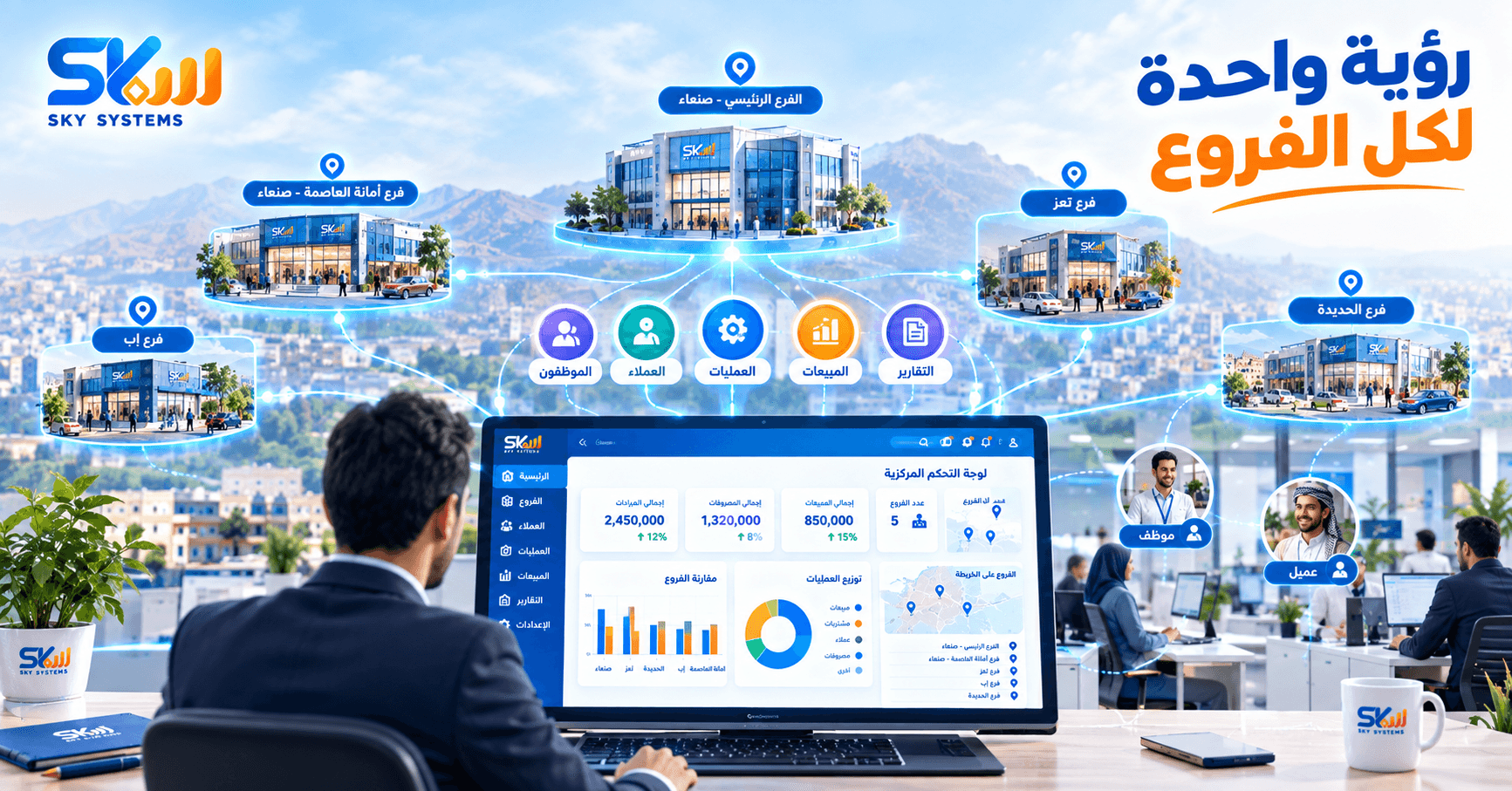
Every Branch Generates Data
Every branch has operations taking place throughout the day.
One customer makes a purchase, another makes a payment, an employee records a transaction, an expense is recorded, and money moves in and out.
If all this data remains separate, management may need to collect information from each branch and then try to build a single picture.
This can make monitoring slower and more complicated.
But when branches operate within an organized system, transactions can be recorded and linked to the branch where they took place, according to the system’s design.
And this raises an important question:
How can management see the complete picture?
From Branch Data to a Single View
Instead of treating each branch as a separate entity, the system can bring branch data together within a single environment, according to permissions and system settings.
For example, management can monitor:
Transactions by branch.
Revenues and expenses.
Customer activity.
Operational performance.
Financial data.
Reports for individual branches or groups of branches.
This means management does not necessarily have to wait for each branch to manually compile its data before understanding what is happening.
But having a system does not mean that everyone should have access to everything.
What About Permissions?
In companies with multiple branches, not every employee needs access to all data.
A branch employee may need access to the data of the branch they work in.
Management may need a broader view.
And some sensitive operations may require specific permissions.
That is why user and permission management, depending on the system’s capabilities, can help control who can access certain data or perform specific operations.
This makes the system more than just a place to record data.
It also becomes a way to organize responsibilities.
But what happens when management wants to compare branches?
Which Branch Is Performing Better?
When data is organized, it becomes possible to generate reports that support comparison and monitoring.
Management may want to know:
Which branch has the highest transaction volume?
Where are expenses increasing?
How are revenues changing?
Which branches require closer attention?
And how has a branch’s performance changed over a specific period?
These questions are difficult to answer effectively when data is scattered.
This is where reports become important.
But reports do not appear out of nowhere.
Behind every report is a collection of transactions and data.
From Daily Operations to Management Reports
Every transaction performed by an employee can add information to the system.
As transactions accumulate, this data becomes the foundation for reports.
In this way:
Daily operations → Organized data → Reports → Information that supports management
This is one of the key benefits of a system for companies with multiple branches.
Management does not simply want to know what happened at each branch.
It wants to understand why it happened, how it changed, and what can be done next.
What Happens When the Branch Network Grows?
The more branches a company has, the more important organization becomes.
More employees.
More customers.
More transactions.
And more data.
At this point, the system becomes an essential part of how the company is managed.
But the goal should not simply be to add more branches to the system.
The goal is to keep management able to see the complete picture even as the company expands.
In the End…
Branch management is not simply about knowing how many branches a company has.
It means being able to monitor operations, data, and performance across those branches.
A system helps transform scattered data from different branches into organized information that management can access and analyze according to its needs.
As a company expands, the need for a unified view of its data becomes even greater.
Discover Sky Systems Solutions for Accounting and Business Management →